Try it free for 7 days first. A notarized .dmg for US$4.99 — a one-time purchase, no subscription. Sold through Lemon Squeezy, which issues the licence key; one key activates up to 3 Macs. Launch offer: enter EARLYBIRD50 at checkout for 50% off, first 100 buyers.
🪟 Windows preview (free)
For Windows 10/11: the same chooser, Chrome/Edge/Brave/Vivaldi profiles and per-domain rules. Chinese interface only for now, and not yet code-signed, so SmartScreen asks once: choose More info → Run anyway.
One-time purchase, no subscription. The direct version comes with a free 7-day trial.
Choose a browser and profile for each link on your Mac
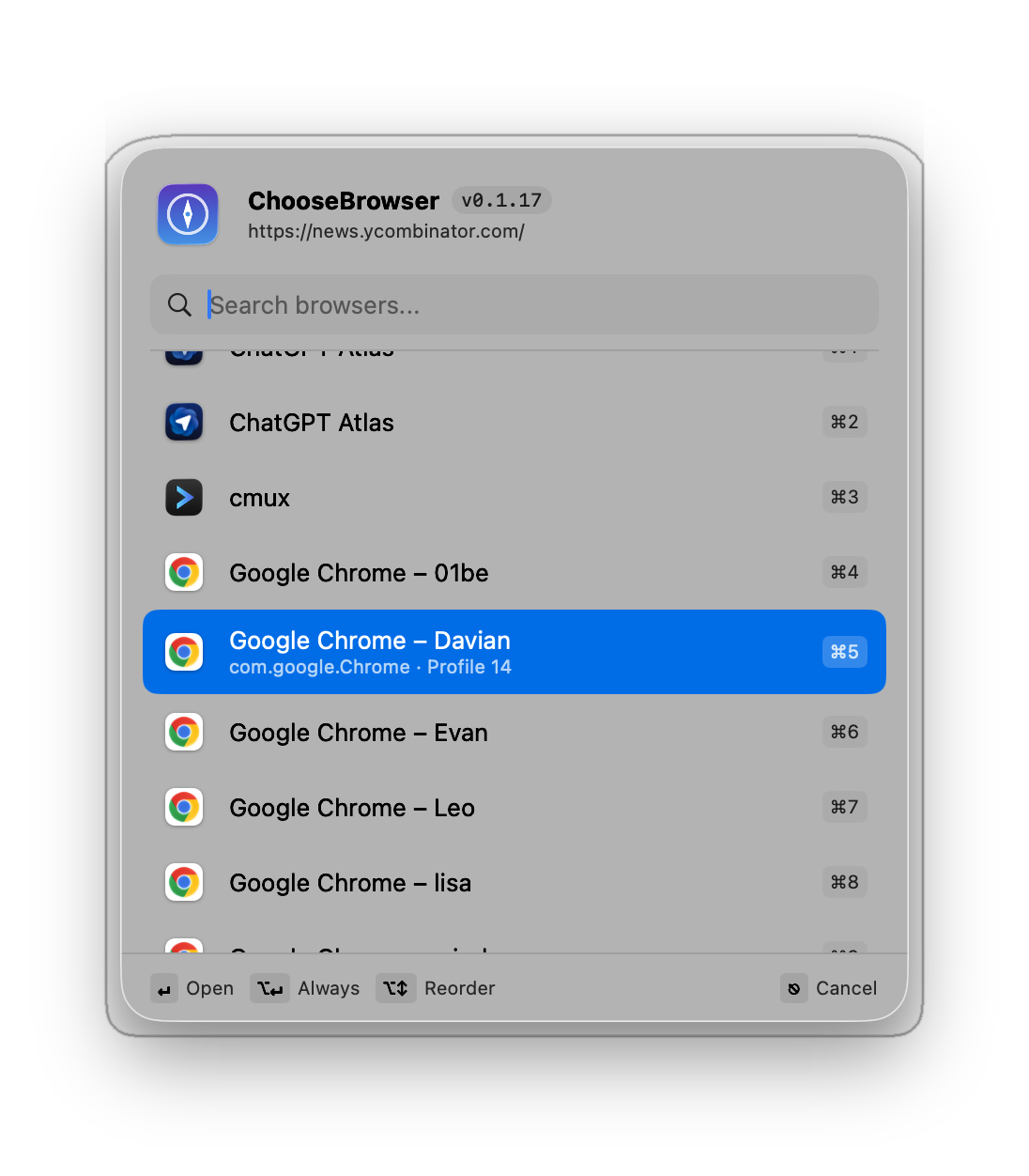
ChooseBrowser is a native link router. Send work links to a work Chrome profile and personal links to another browser, including different URL paths on the same site.
How do I open different links in different browsers?
Install the app, then select ChooseBrowser in System Settings → Desktop & Dock → Default web browser. Pick a browser when opening a link, or add a URL/path rule for automatic routing. Rules remain editable.
Can it select Chrome, Edge or Brave accounts?
It selects browser profiles in Chrome, Edge, Brave, Vivaldi and Chromium after a one-time local setup. A profile is a browser entry point; verify the signed-in account on the target website.
How do I verify a routing rule?
Open a URL covered by the rule and check the browser, profile and destination page. Open an unmatched URL to check the picker. For path rules, verify both matching and nonmatching paths.
Is it a subscription?
The direct-download edition has a 7-day trial, then costs US$4.99 once for up to 3 Macs. A Mac App Store edition is available; local price, tax and licensing follow the store listing. Requires macOS 26 or later.
Does it support Windows?
A free Windows 10/11 preview is available with Simplified Chinese UI and no code signature yet. Its release status differs from the macOS edition.
Does the app upload the links I open?
The app has no account, tracking or analytics. Rules stay local unless you enable sync through your own iCloud. Website usage analytics and application data have different scopes.